Claude Code
Tell Claude Code to use Shipp
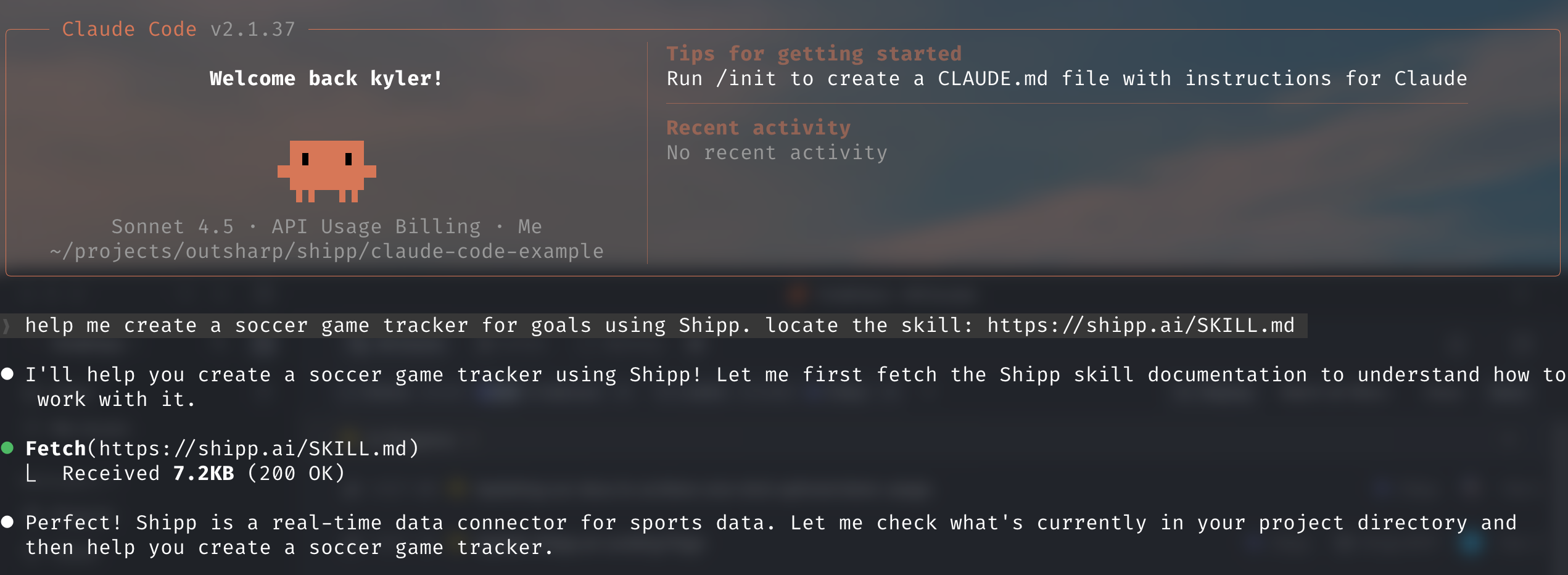
Tell Claude to use the skill
This lets Claude know it should use Shipp as the real-time data layer for your app.
Add Shipp API Key to your project
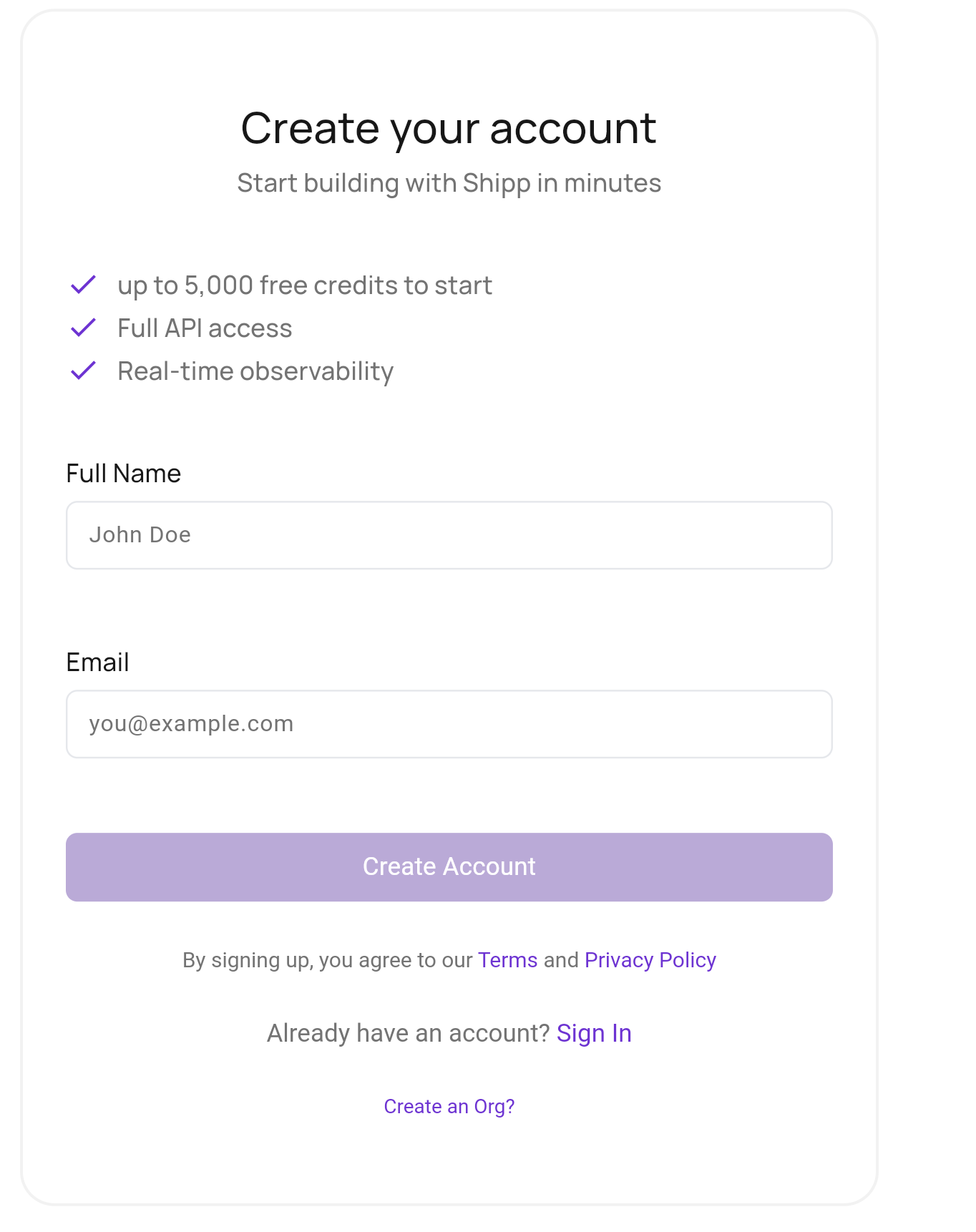
Create your Shipp Account
Sign up to Shipp. Once logged in, you can manage data connections & API access.
What is an API?
It's how your Agent & the app you create will communicate with Shipp. API is an acronym for Application Programming Interface
Get your Shipp API Key
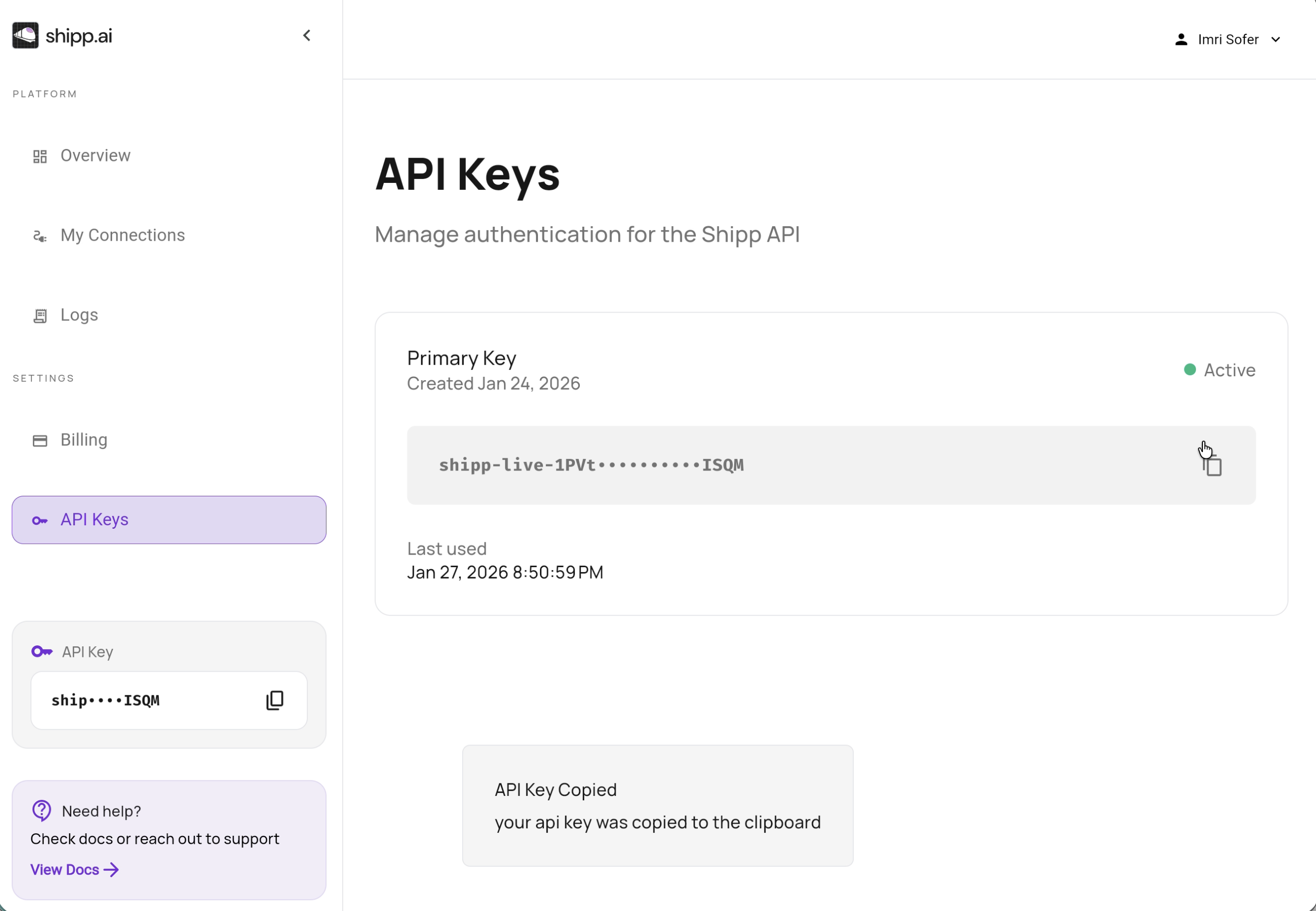
In the Shipp dashboard, go to API Keys and copy your API Key
Add key to .env
Return to your terminal
Navigate to your project
Now add your API Key to the .env file.
More than likely, Claude is using the variable name SHIPP_API_KEY. If you have any
authentication issues, ask claude to verify that the key is correctly set.
API Keys are Secret!
Do not paste the key anywhere but the .env file.
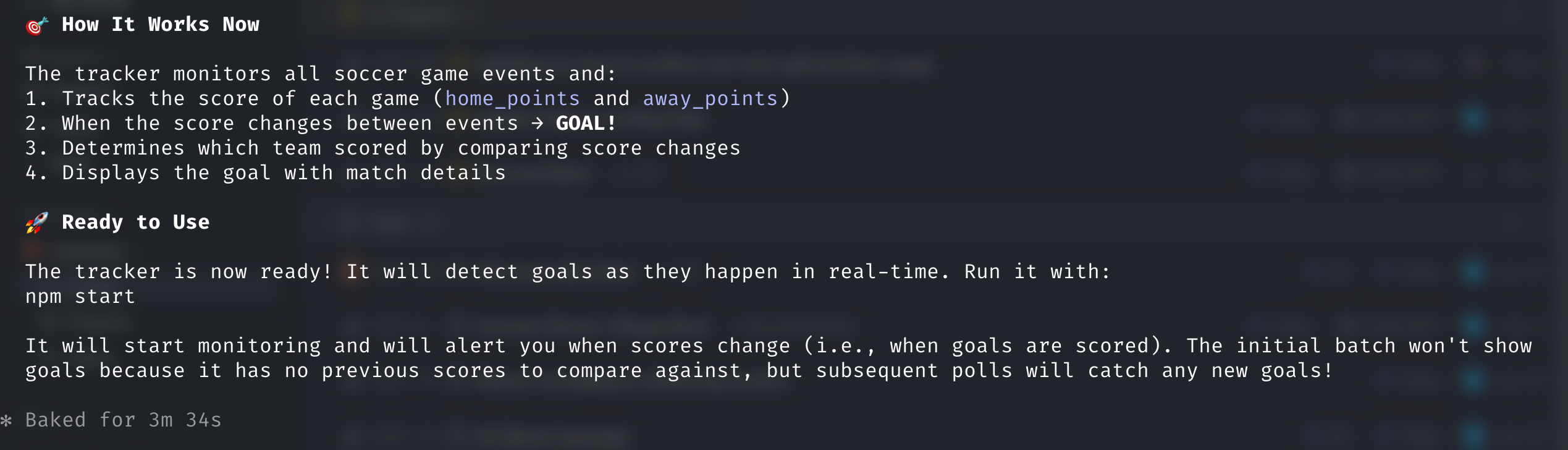
Final Step - Test the Connection
Claude is resourceful and likely needs to iterate a few times. Instruct Claude to test the integration and verify your app works.
MCP Server
Claude supports MCP servers to make building more productive. We're working to make this process even easier for you.