Lovable
Tell Lovable to use Shipp
Include the instructions in your Lovable prompt:
This lets Lovable know it should use Shipp as the real-time data layer for your app.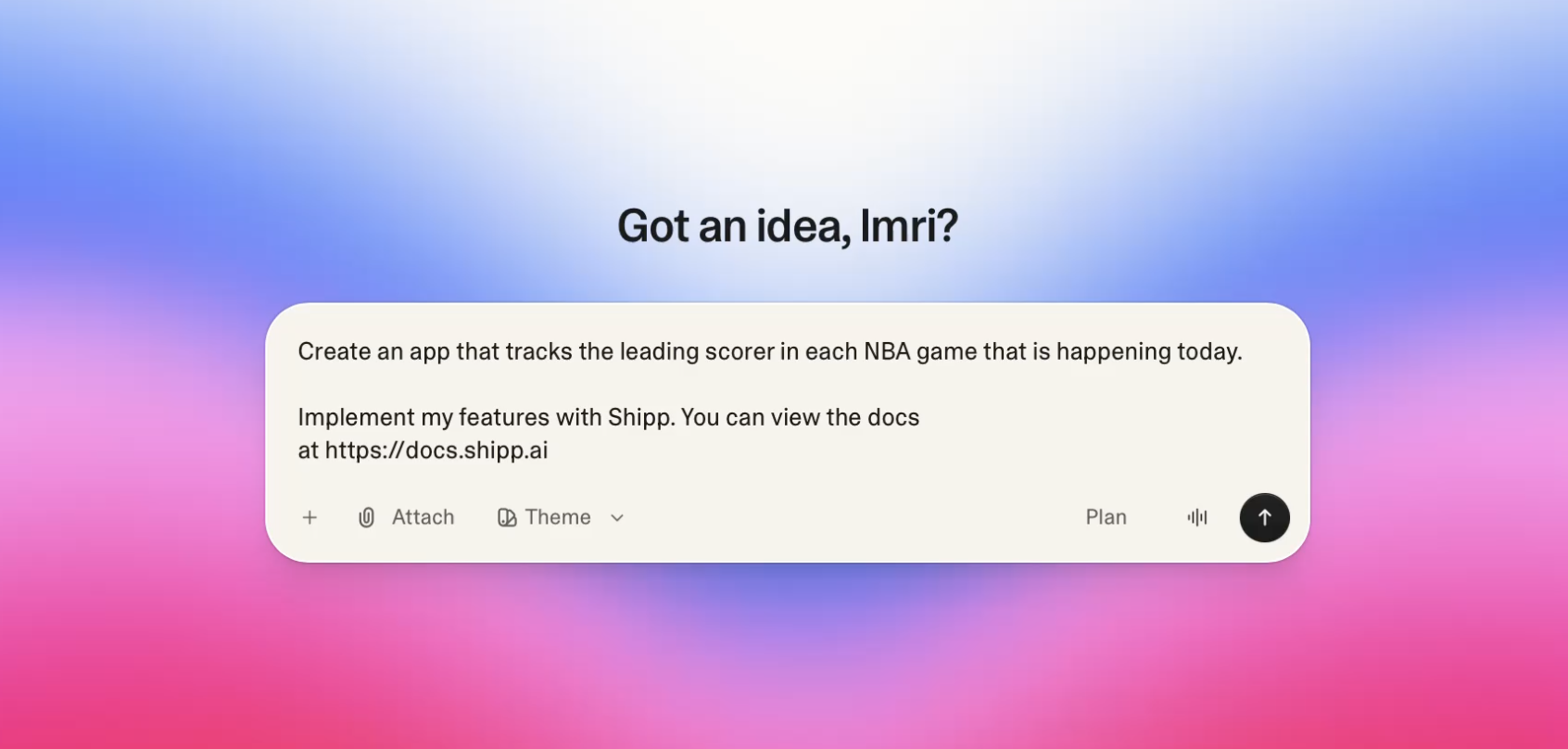
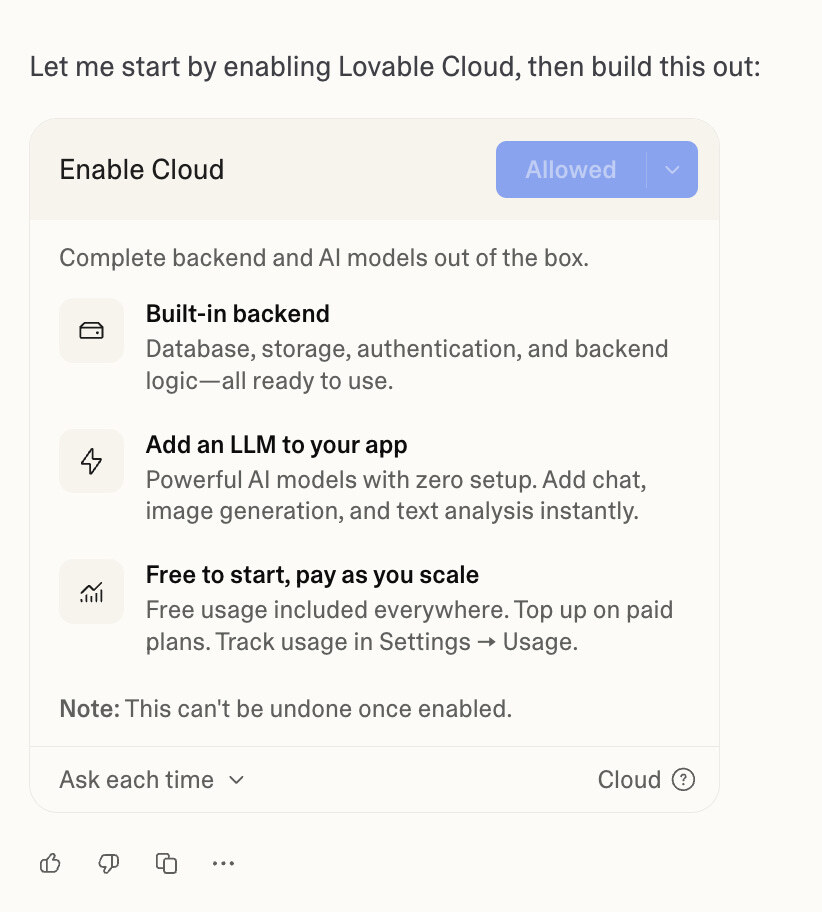
Enable Lovable Cloud
When prompted, turn on Lovable Cloud. Shipp runs server-side, so cloud execution is required for the integration to work.
Click allow
Add Shipp API Key to Lovable
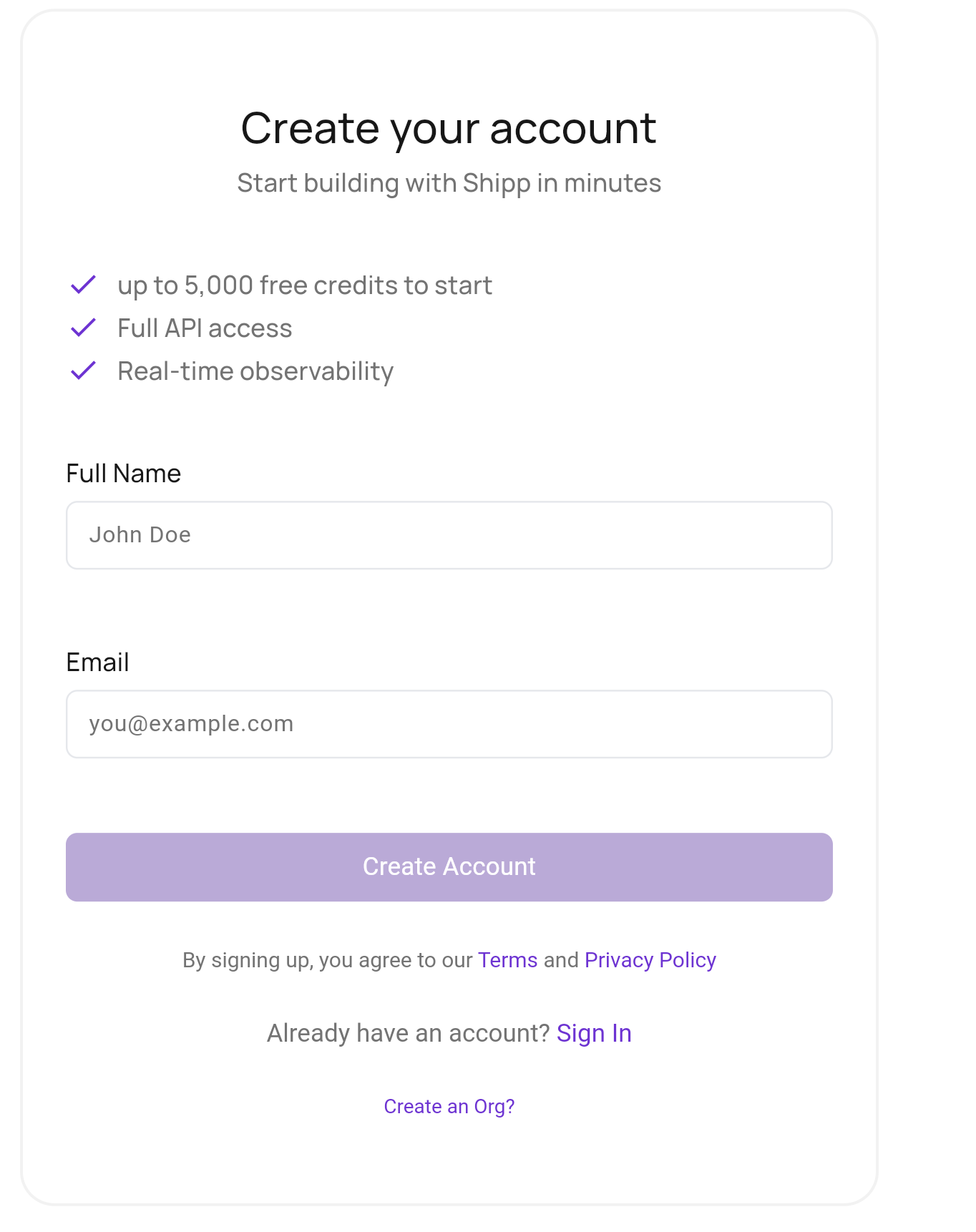
Create your Shipp Account
Sign up to Shipp. Once logged in, you can manage data connections & API access.
What is an API?
It's how your Agent & the app you create will communicate with Shipp. API is an acronym for Application Programming Interface
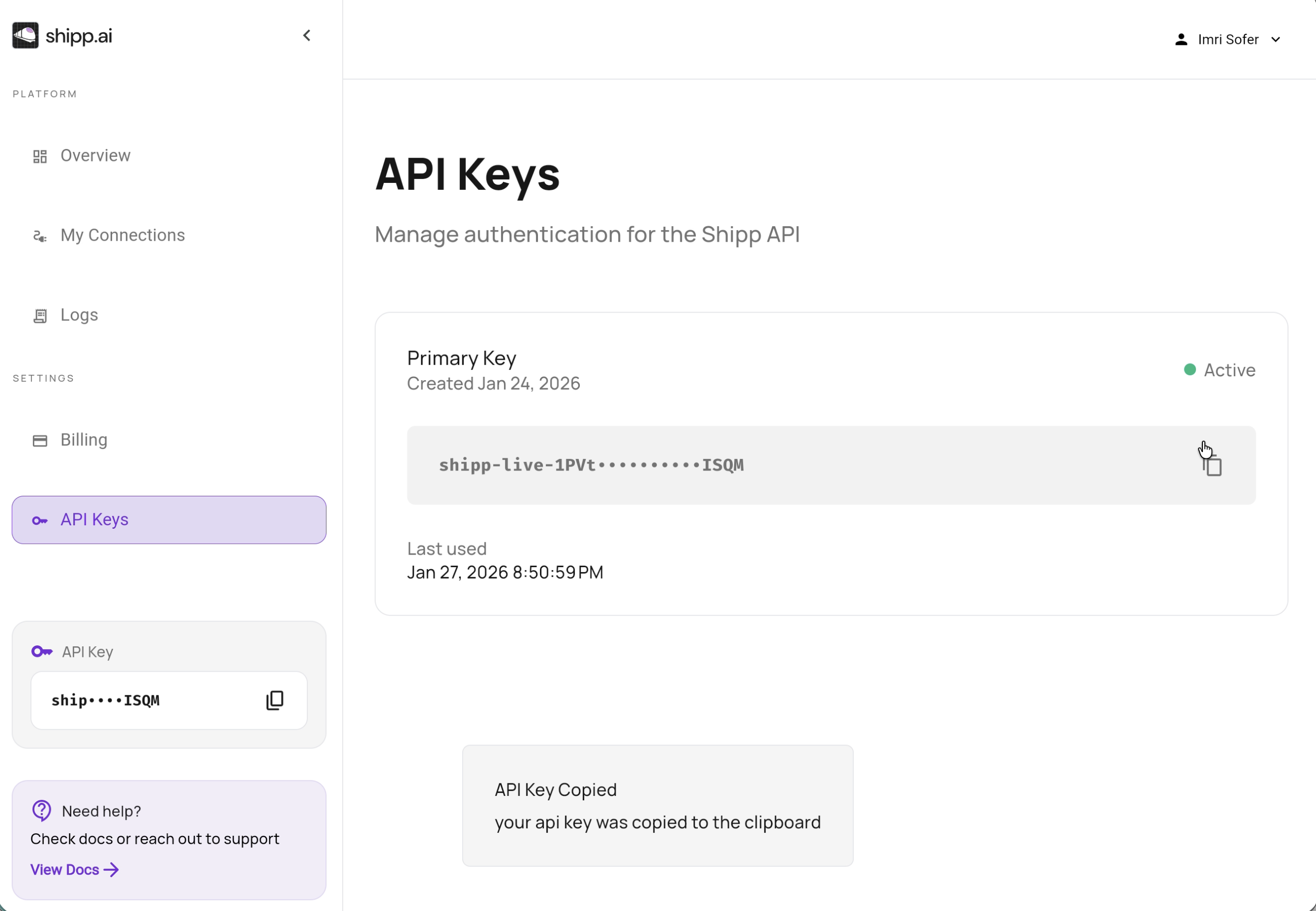
Get your Shipp API Key
In the Shipp dashboard, go to API Keys and copy your API Key
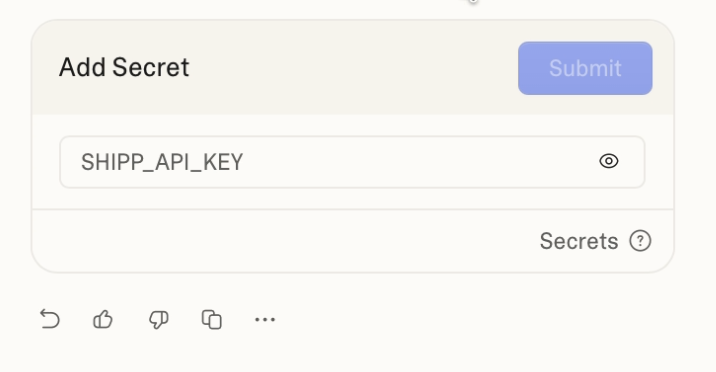
Add Secret to Lovable
Return to Lovable. The “Add Secret” dialog should be open in chat. Paste the API Key and submit!
API Keys are Secret!
Do not paste your API key into the chat. Always store it as a secret.
MCP Server
Lovable Recently introduced custom MCP servers for premium users. We're working to make this process even easier for you.